TL;DR: Your state standards are now built into TeacherGPT. Open Standards in the sidebar, find what you are teaching, and press Create to make a lesson plan, worksheet, slide deck or game built around it. You can also attach standards to any new request as you write it.
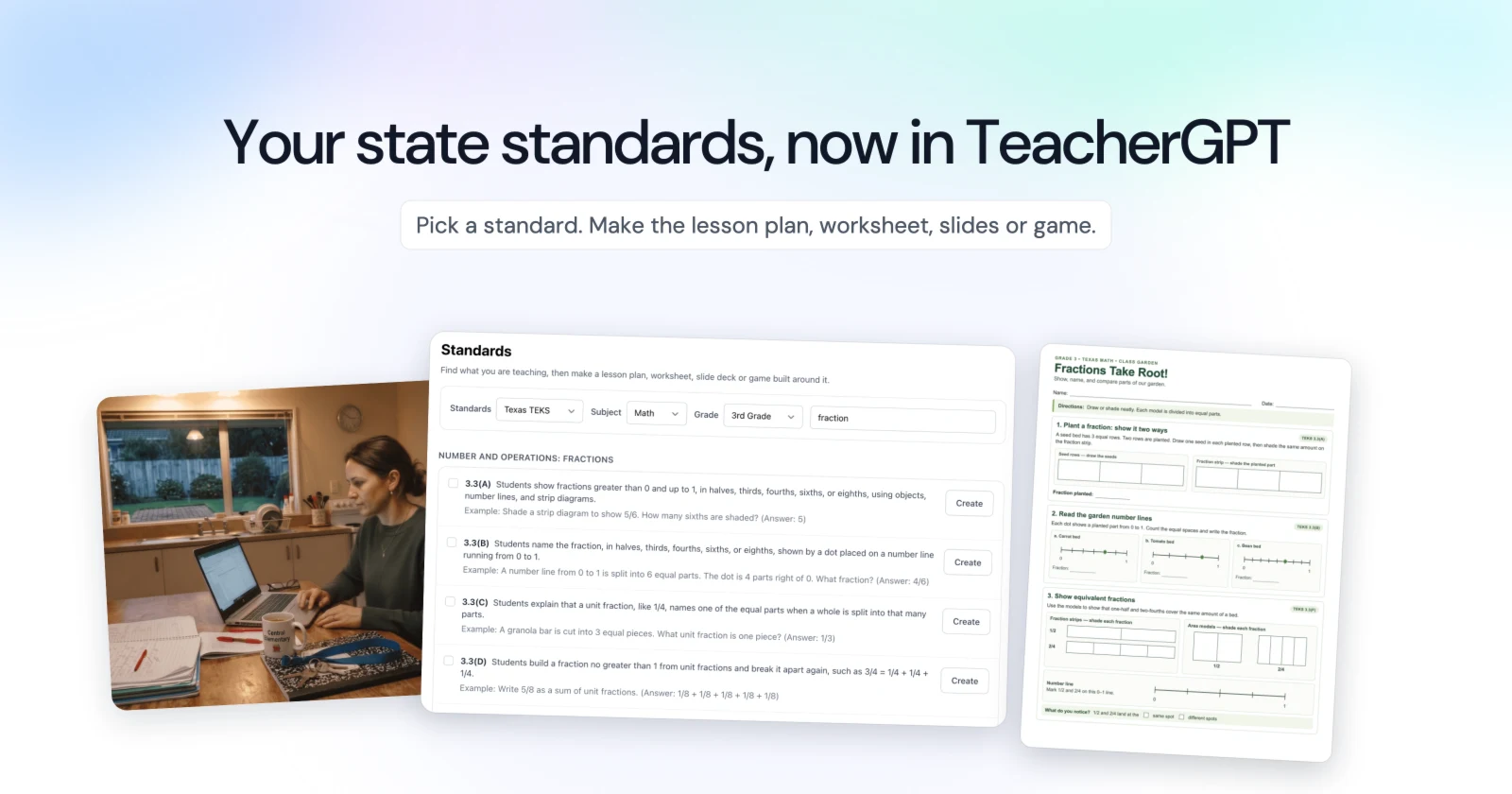
Most planning starts with a standard. You look up the code, copy the wording, and paste it into whatever you are making, then do it all again for the next lesson. Standards puts the list right where you make things, so that step goes away.
Find what you are teaching
Click Standards in the sidebar. It opens on the state and grade in your profile. If your state does not have its own guide yet, it opens on Common Core. You can switch the standards set, subject (where your state has more than one) and grade at any time, or search by code (try "3.3") or by topic (try "fractions").
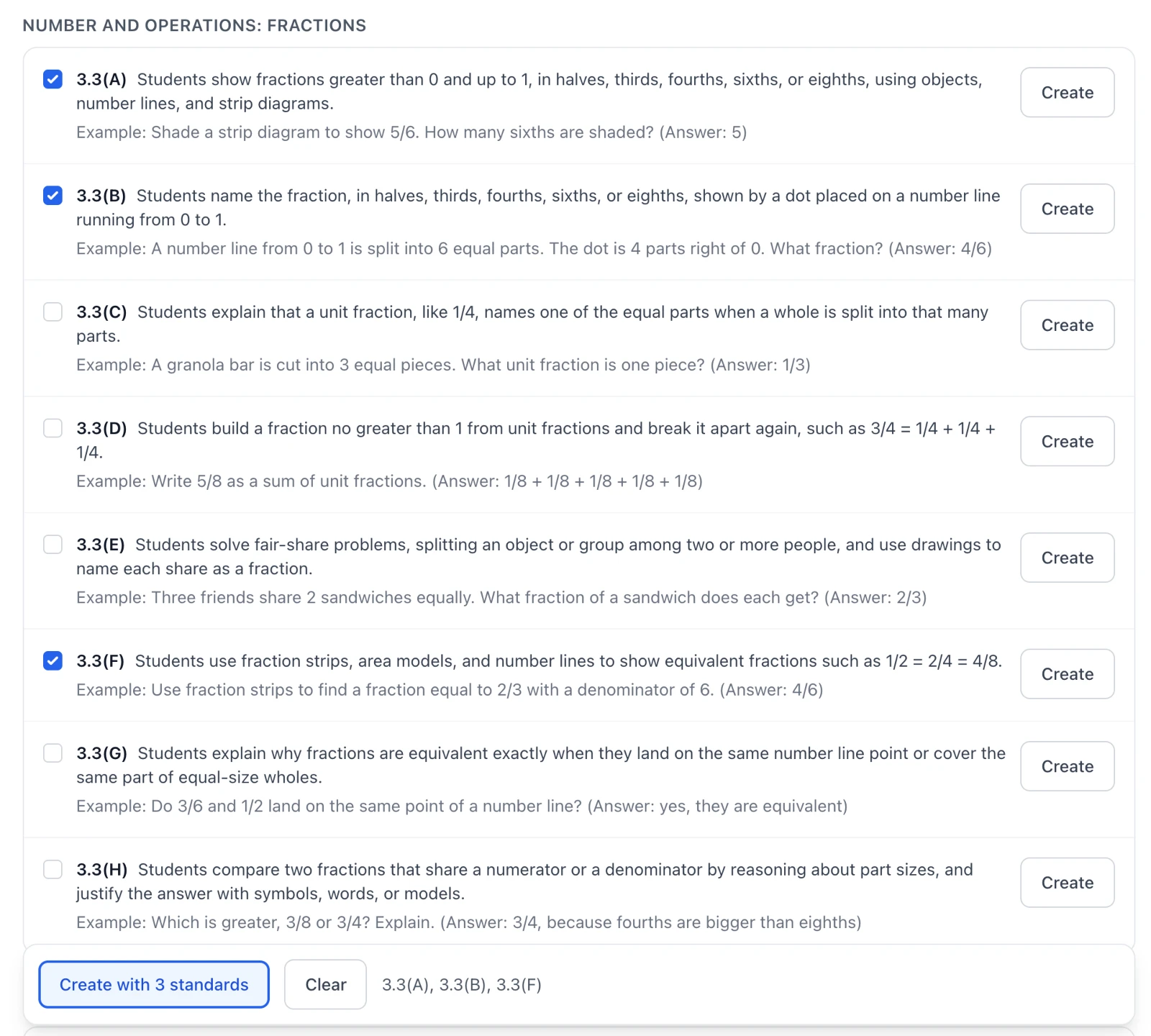
Every standard shows its official code, a short summary in plain English, and an example question with its answer, so you can see at a glance what students need to be able to do.
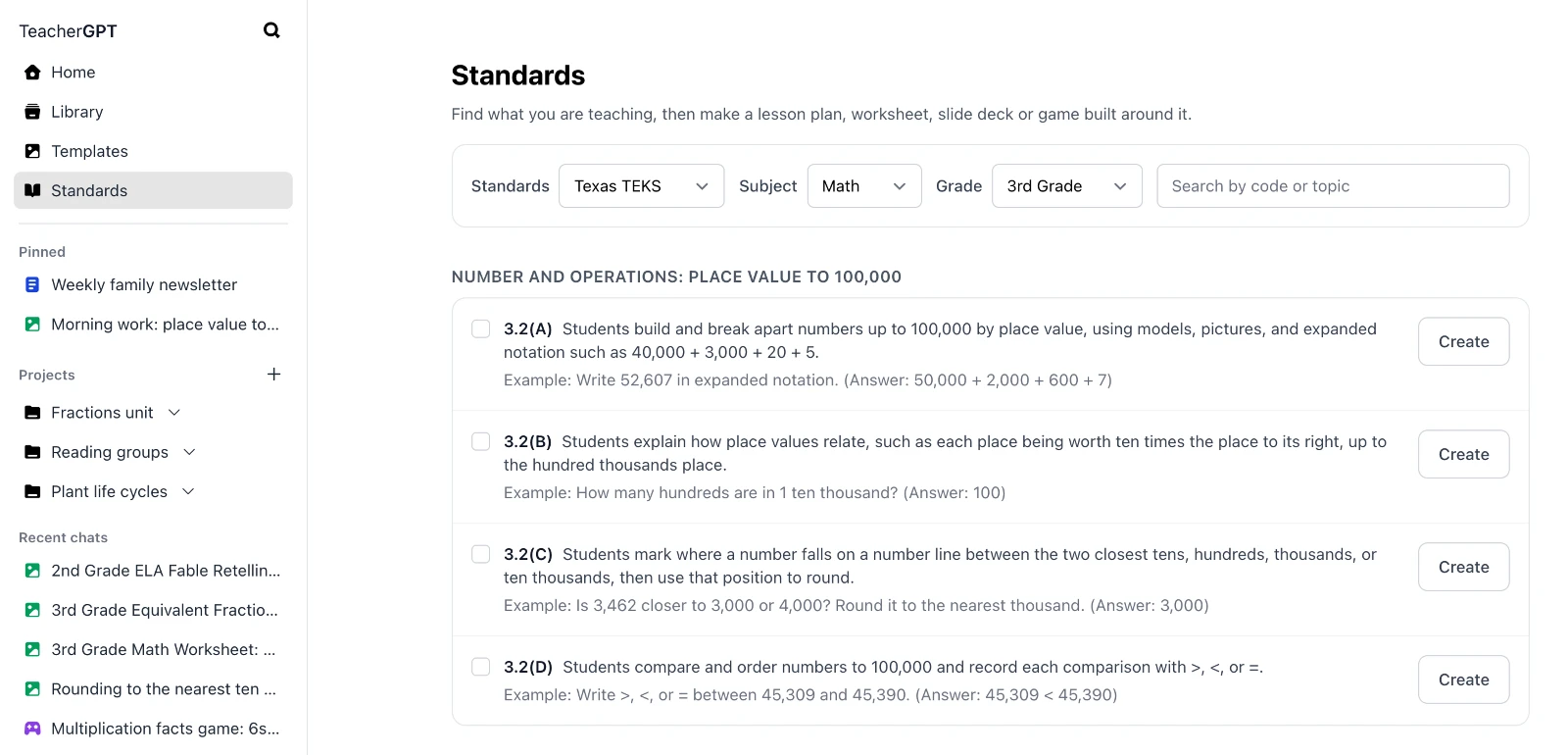
The Standards page opens on your own state and grade.
Make something from a standard
Press Create next to any standard and choose what you need: a lesson plan, a worksheet, a slide deck or a game.
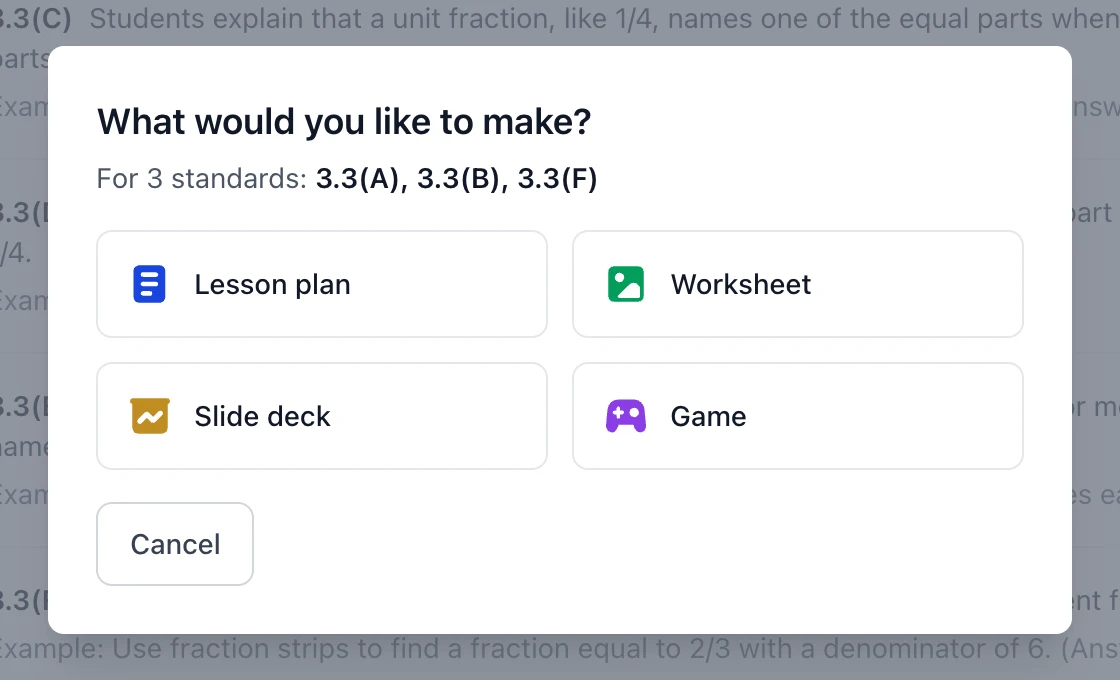
TeacherGPT opens that tool with the standard already attached and a starting request filled in. Add whatever your class needs (the number of questions, a theme your students love, a reading level) and send it when you are ready. Nothing is made, and no credits are used, until you press send.
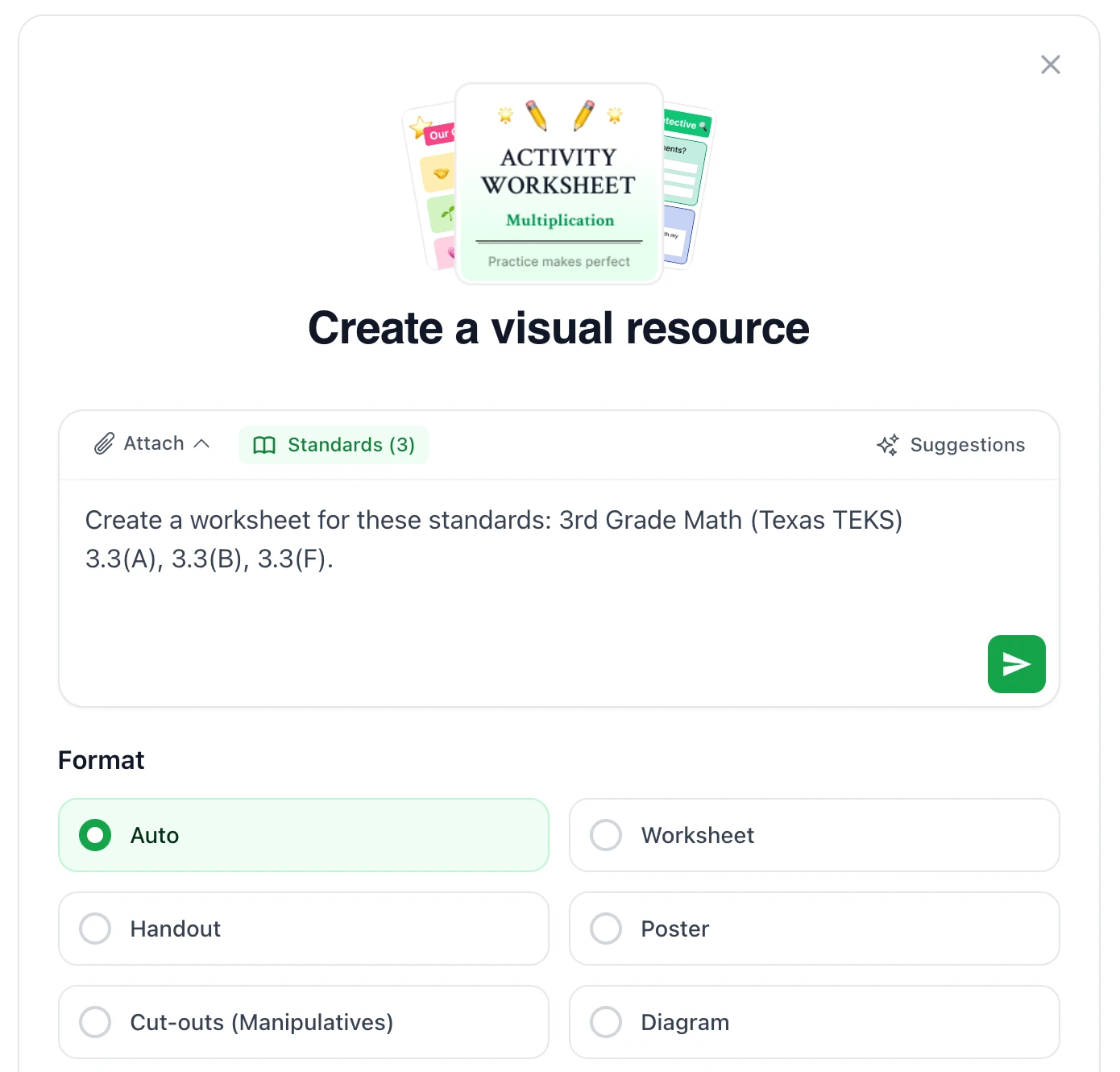
The worksheet tool, opened from three Texas standards. Edit the request before you send it.
Here we added "Theme: our class garden." and pressed send. TeacherGPT made the worksheet below, with each section labeled by the standard it practices. From there you can download it, export it to Google Drive, or ask for changes, like an easier version for a small group.
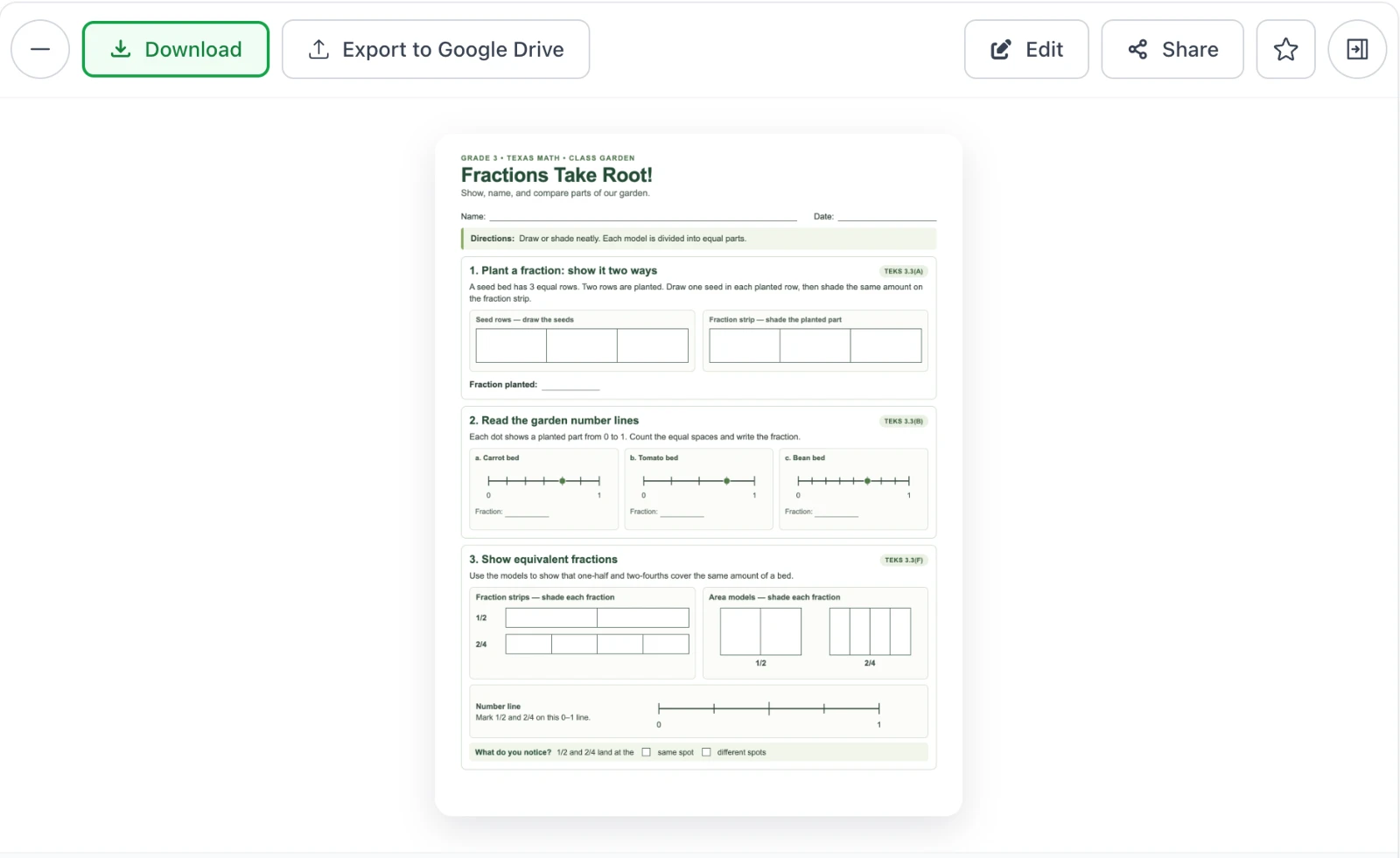
The finished worksheet: three sections, one for each standard.
Cover several standards in one resource
Tick the boxes next to up to 10 standards, from one grade or several, then press Create with 3 standards (or however many you picked). You get one resource that covers them all. It is handy for a review day, a spiral warm-up, or a small group that needs to revisit last year's work.
Or attach standards while you write
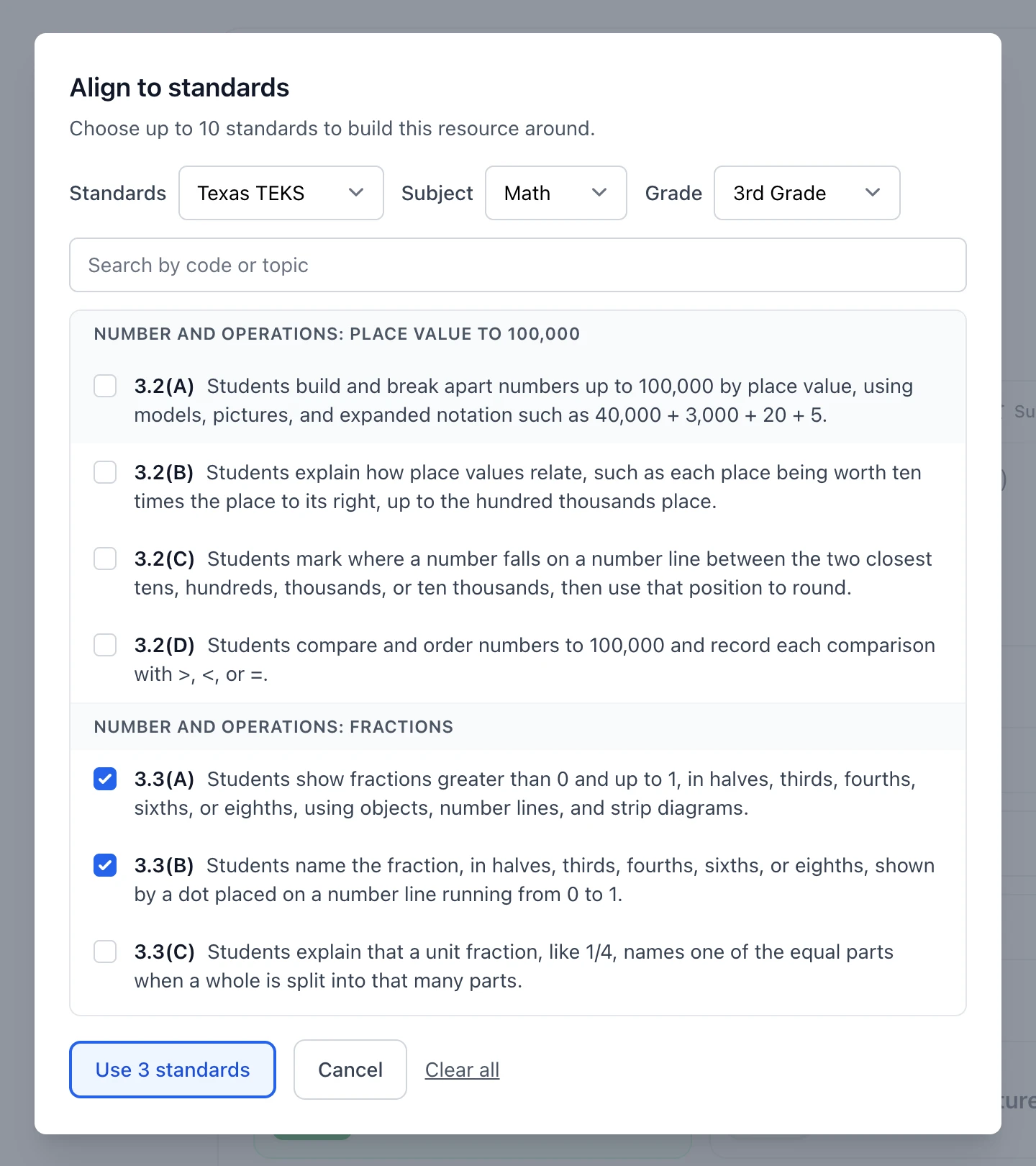
Prefer to start from your own request? When you start a new lesson plan, worksheet, slide deck or game, press the Standards button above the text box. The same list opens on your state and grade. Tick what you are teaching and press Use, and the button shows how many are attached.
What TeacherGPT does with them
The standards you choose travel with your request. TeacherGPT builds what you asked for around them and names each standard by its code where you would expect to see it, such as the standards line of a lesson plan. As with anything AI makes, read it through before it goes in front of students. You know your class and your scope and sequence better than any tool.
These three worksheets were each made from the Standards page: one from three fractions standards together, one from a single standard, and one from a Common Core reading standard with an original fable to read as a class.
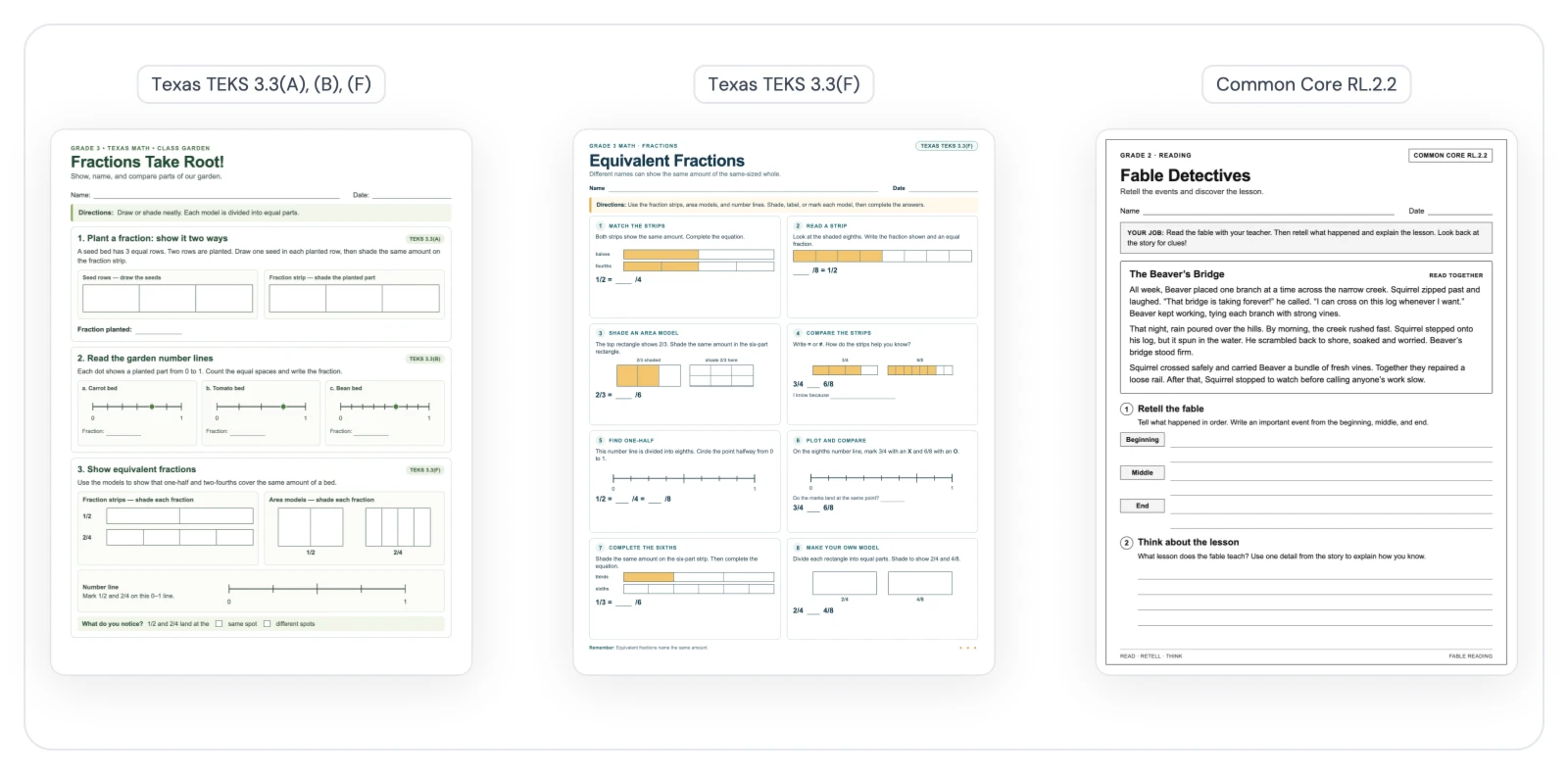
Made from Texas TEKS 3.3(A), (B) and (F); Texas TEKS 3.3(F); and Common Core RL.2.2.
Which standards are included
Common Core: math and ELA, kindergarten to 8th grade
Florida B.E.S.T. and Indiana: math and ELA, kindergarten to 8th grade
Texas TEKS: math, kindergarten to 8th grade, and reading (ELAR), kindergarten to 5th grade
Georgia, Oklahoma and South Carolina: math, kindergarten to 8th grade, and ELA, kindergarten to 5th grade
Virginia SOL, North Carolina, Ohio and Alabama: math, kindergarten to 8th grade
New York: math, kindergarten to 5th grade
If your state is not on the list yet, Common Core is a good place to start, since many states build their standards on it. We are adding more states and subjects.
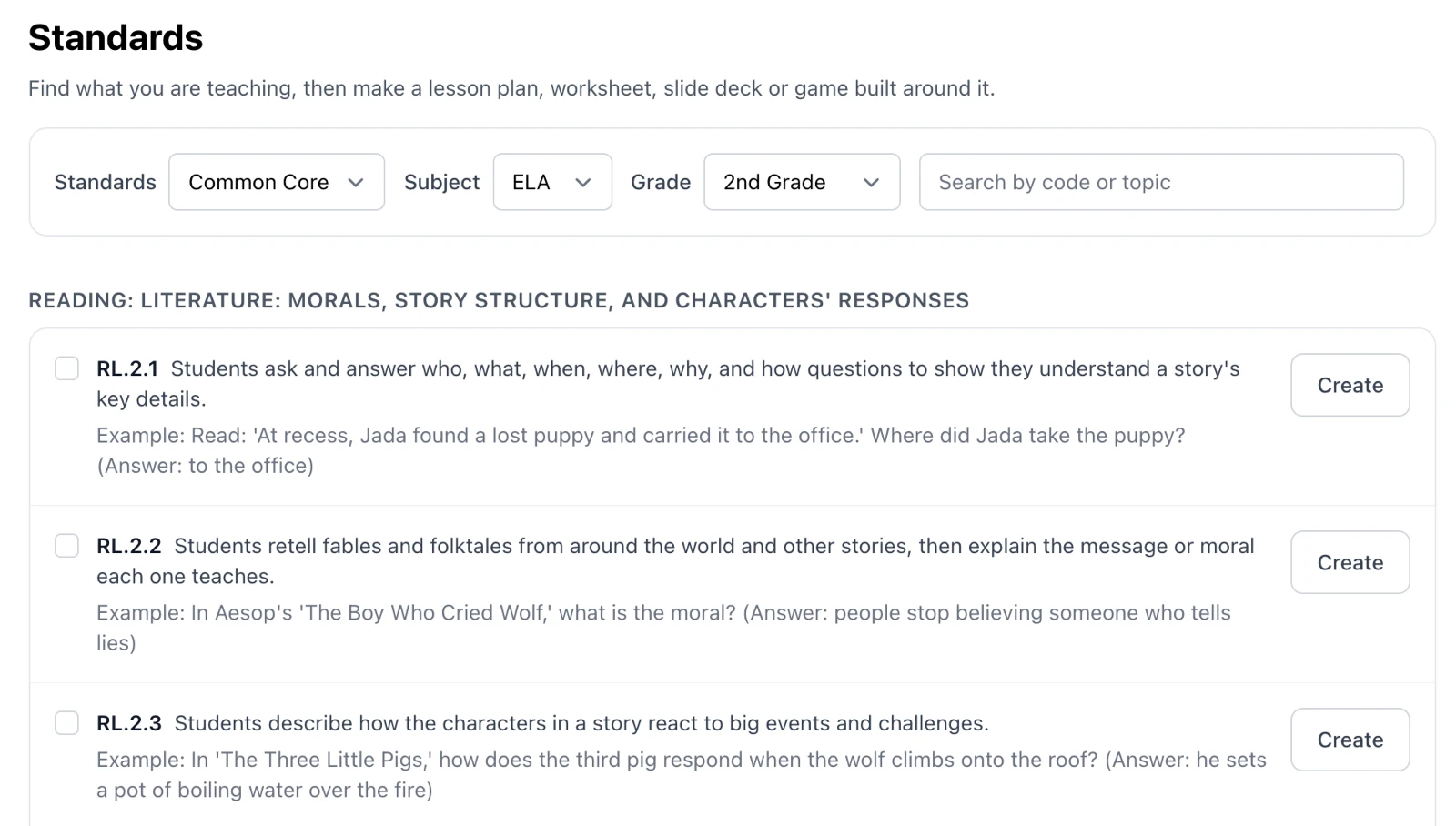
Common Core ELA, 2nd grade.
Want to look before you sign in? Our free state standards guides explain every standard in plain English, with worksheets to go with each grade. Start with Texas TEKS, the Texas 3rd grade math page used in this article, or Common Core.
Try it
Log in and click Standards in the sidebar. New to TeacherGPT? Try it free with 15 free credits, no credit card required.
We would love to hear how you use it, and which standards you would like to see next.
Happy teaching!